Here are 5 prompts I share with executives in my AI workshops and executive coaching.
The 5 Gemini Prompts
1: Executive: Quick Fire Meeting Prep
Prompt: I have a meeting with X from Email address in 10 minutes. Search my @gmail and @Google Drive for the last 3 interactions we had, summarise the key open action items, and tell me the last document they shared with me
Note 📝: You must type @Gmail and @Google Drive (or enable the extension) to allow Gemini to scan your private data and apps securely.
2: Whiteboard Session Into Execution Plans
After a brainstorming or a whiteboard session (or scribbles when working), you don’t need type up the notes manually. Take a picture of the whiteboard and allow Gemini to do the work for you.
The Prompt:
I am uploading a photo of our whiteboard session on the X situation.
1) Transcribe the text.
2) Convert this flow into a (X) structured step-by-step project brief.
3) List the likely technical dependencies implied by this diagram.
This is great if you prefer handwritten notes or like to sketch ideas and concepts in meetings or when problem solving. I use this technique with podcast notes and coaching sessions.
3: Help Me With / Improve My Email Communication
Often we struggle to articulate our issues or communicate delays or difficult situations. Here is how Gemini can help you:
The Prompt:
Here is a raw brain dump of our (X) situation: ‘[Insert raw & detailed notes or dictate via voice information]’. Please draft three versions of an update email:
To the Board: Strategic, high-level, focus on mitigation and revenue impact.
To the Engineering Team: Empathetic, rallying, technical focus.
To Customers: Apologetic, transparent, focused on value and quality assurance.”
Note 📝: You can change these 3 audiences to leadership team, to wider business and to specific customers who were contacted that the Product was due for release. If you are looking to change this for internal audiences on Slack, Teams or another IM chat group, replace email with the tool you use.
4: No Time To Wait For Analyst (Excel Upload/Sheets Interrogation)
Instead of waiting for a data analyst to build a chart or some offer insights, Gemini can help you do it in seconds.
The Prompt:
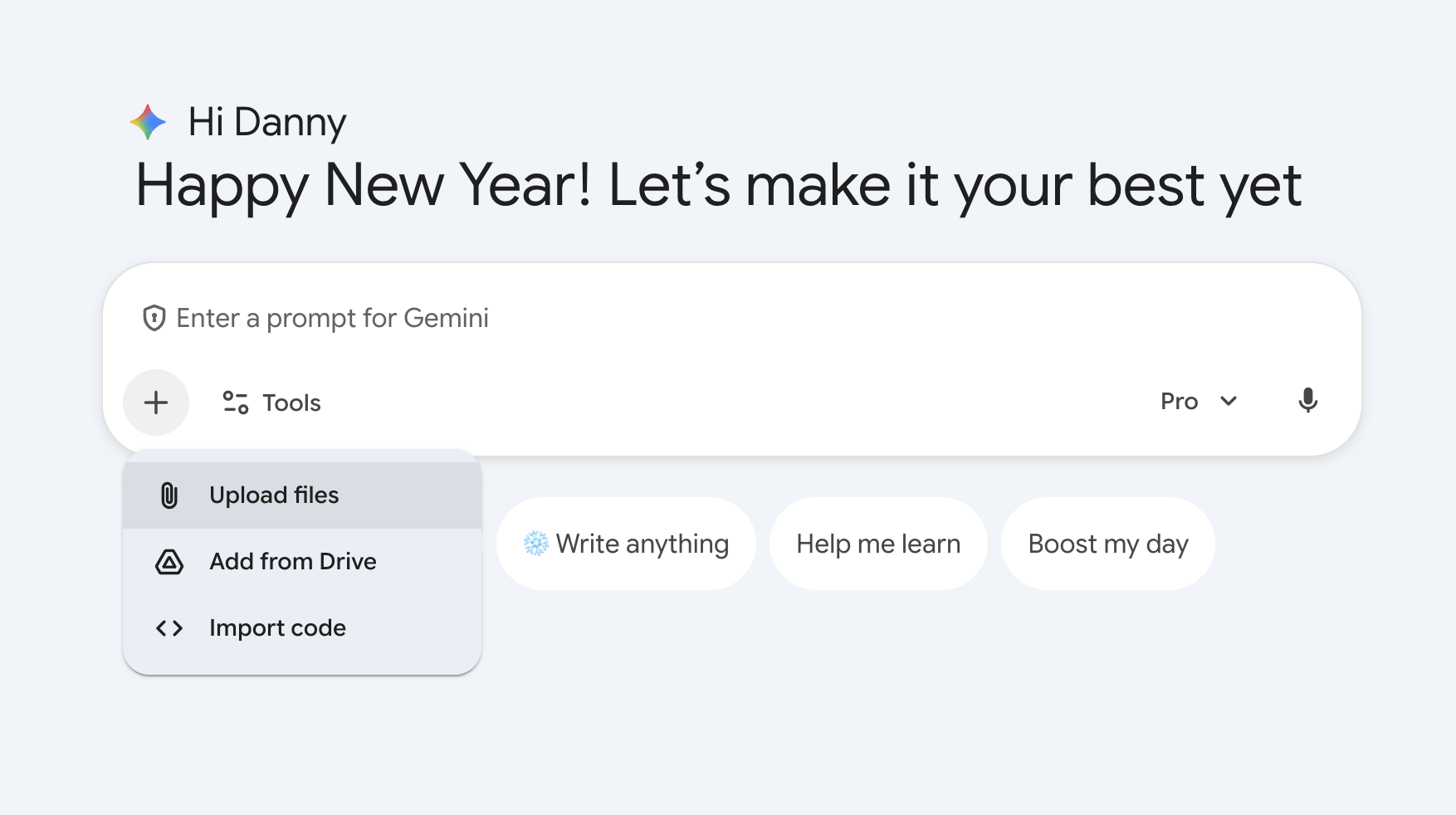
I am uploading our Q1-Q4 sales data (CSV/Sheets). Graph the monthly recurring revenue (MRR) growth, but overlay it with the Marketing spend column to show the correlation. Also, tell me which month had the highest ROI and any seasonal shifts”
Note 📝: You must use the automation/feature: Gemini Advanced Data Analysis. You can upload Excel/CSV files directly. Gemini will write and execute Python code in the background to generate accurate charts and maths. You can also select the Sheets file from Google Drive.
5: Meeting Notes & Delegation
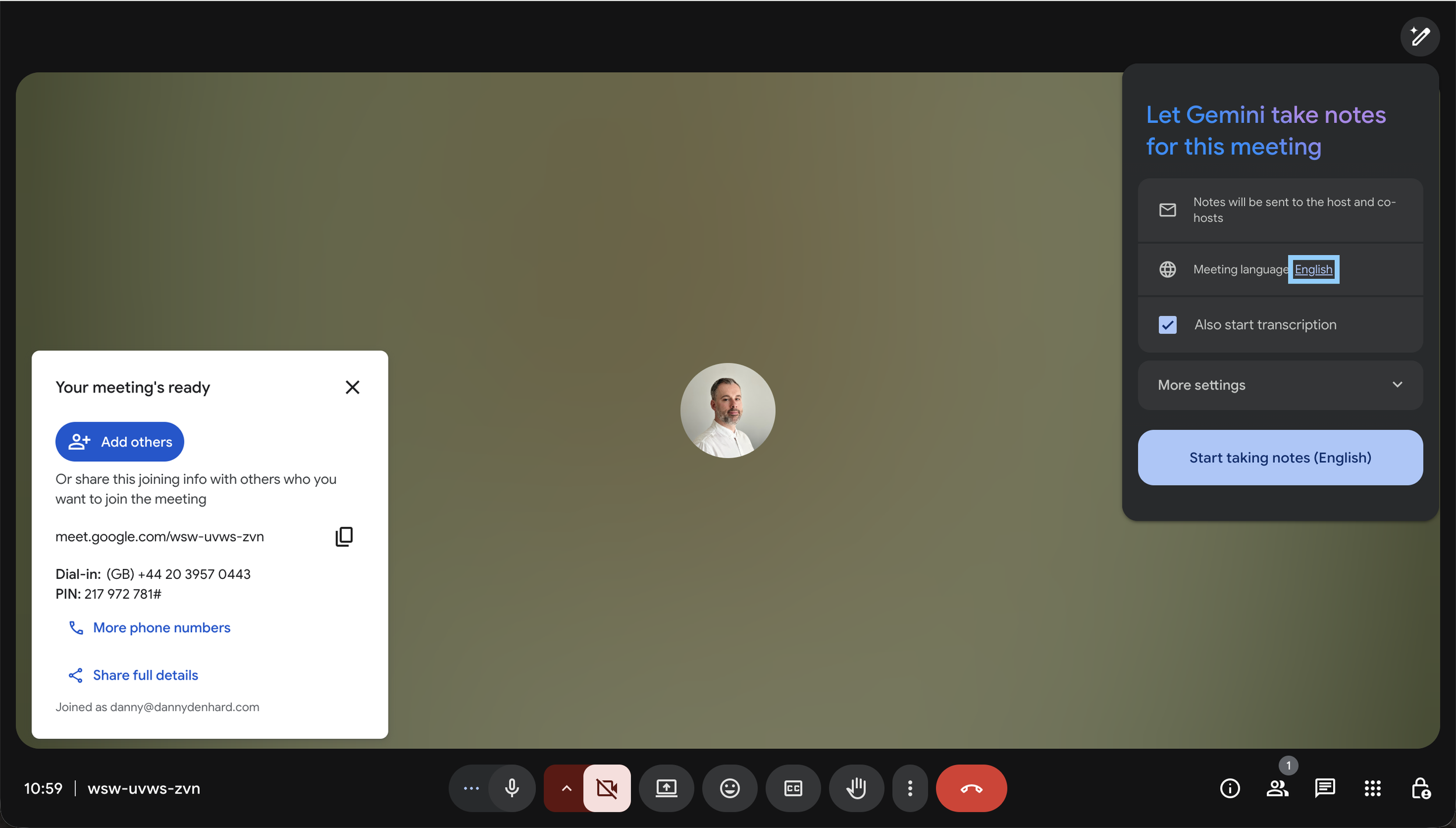
If you use Google Meet, you don’t need an external note taker (Granola etc) to take notes, Gemini has great power in automating the follow-up.
The Prompt:
(Post-meeting in Google Docs or Gmail): “Review the transcript from the X meeting I just had. Extract all action items, assign them to the owner mentioned in the call, and draft a follow-up email to the participants listing these tasks with due dates. Ensure there are dates attached.
Note 📝: You must use the automation feature: “Take notes for me” (in Google Meet) + Gemini in Docs/Gmail.
You must have the meeting recorded/transcribed for this to work.
There are hundreds of ways Gemini can help you own your inbox, calendar, meetings and data analysis, often it is a case of writing down your issues and asking Gemini to help or understanding how you can get the most out by asking questions.
Happily, message me if you need help ai@dannydenhard.com
